
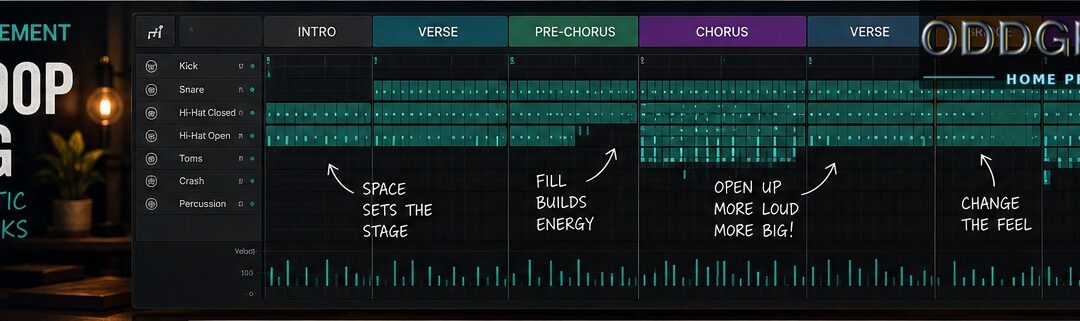
How to Arrange Realistic MIDI Drum Tracks
From drum loop to drum performance A drum loop is not a drum track. A loop can be a great starting point. It gives you a groove, a feel, and something to write against. But if you copy the same two bars across an entire song, the listener will eventually notice. Or...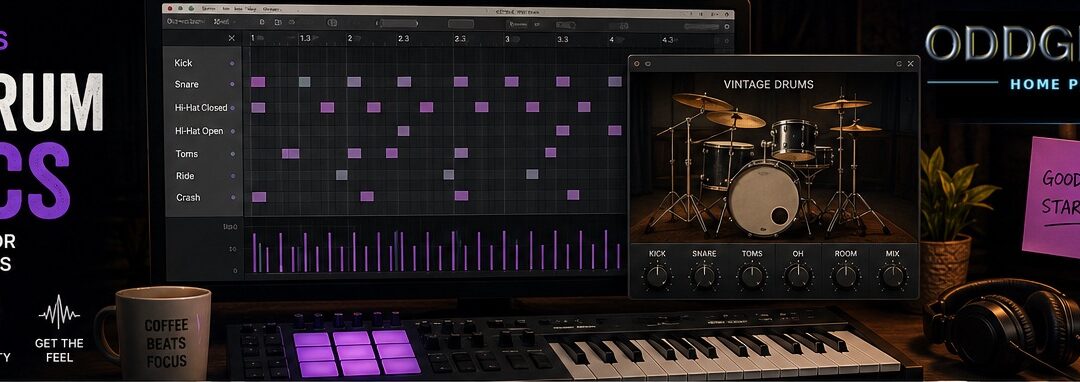
MIDI Drum Basics for Non-Drummers
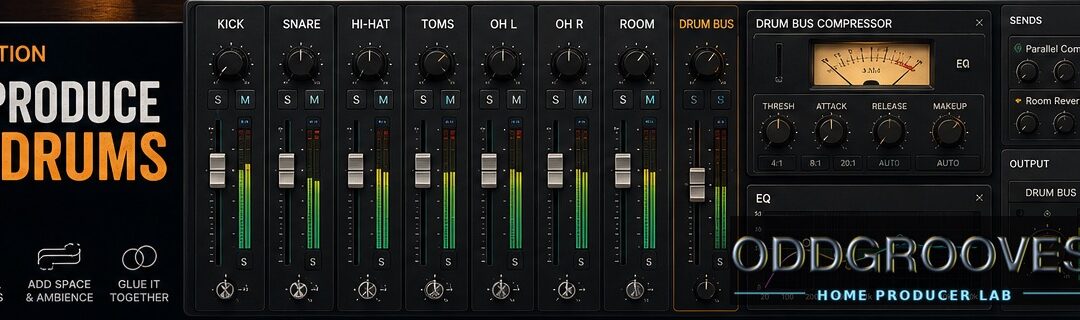
How to start making better MIDI drum tracks Programming MIDI drums can feel strange if you’re not a drummer. You know what a kick, snare, and hi-hat are. You also know where they go in a basic rock groove. But after 20 minutes in the piano roll, your drum track still...How to add OddGrooves MIDI grooves to Toontrack EZdrummer 2
This is how you add an OddGrooves pack to Toontrack’s EZdrummer 2. For EZdrummer 3 instructions, click here. Save your new OddGrooves pack where you normally keep your grooves, samples etc Navigate to the Browser section of EZdrummer 2 and click on the...How to add OddGrooves MIDI beats to XLN Audio Addictive Drums
This is how you add an OddGrooves pack to XLN Audio Addictive Drums 2: Save your new OddGrooves pack on your hard drive and locate the folder named “OddGrooves <…> Addictive Drums” Open the Addictive Drums 2 plugin and click the help menu...How to add OddGrooves MIDI grooves to Steven Slate Drums 5
This is how you add an OddGrooves MIDI pack to Steven Slate Drums 5.5: Save your new OddGrooves pack on your hard drive. Locate the folder with the .lib extension and copy it to the “Grooves” folder located in the SSD5 Library (this varies depending on...Top-selling products
-
 The Progfusion Sessions - Seven Eight Interlude
$5.00
The Progfusion Sessions - Seven Eight Interlude
$5.00
-
 The Big Prog Pack
Original price was: $135.00.$27.00Current price is: $27.00.
The Big Prog Pack
Original price was: $135.00.$27.00Current price is: $27.00.
-
 The Progfusion Sessions - Five Past
$5.00
The Progfusion Sessions - Five Past
$5.00
-
 Latin Drumming
$17.00
Latin Drumming
$17.00
-
 The Jam Pack
$7.00
The Jam Pack
$7.00
Our guarantee

Your purchase is backed by our 30-day no-questions-asked money back guarantee, which means that if you’re not happy with the grooves – for any reason – simply shoot us an e-mail within 30 days of purchase and we’ll issue a full refund. You risk absolutely NOTHING when shopping with us!